 Kinoment
Fitness tracking.No subscription.
Connect a compatible fitness machine over Bluetooth to see its metrics during your workout, then find it in Health and Fitness. Kinoment works on iPhone, iPad and Apple Watch. The watch can also provide your heart rate.
Available now on the App Store.
Your workout metrics
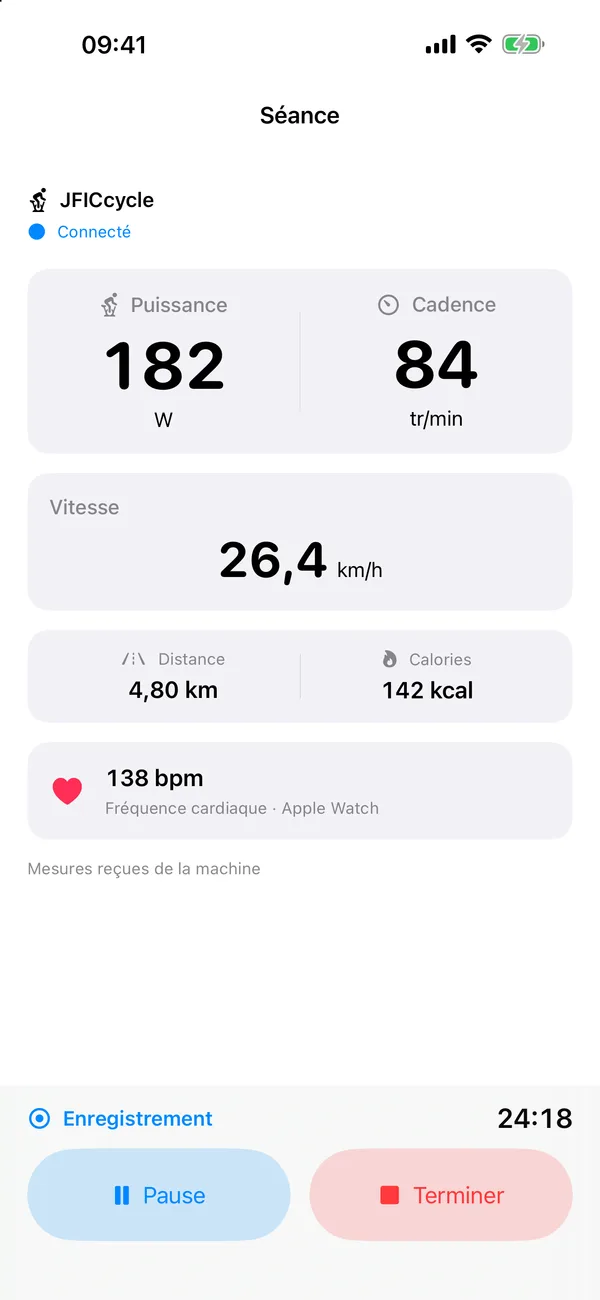
Power, cadence, speed, distance and calories: Kinoment displays the metrics your machine sends.
On your phone
The counters show live metrics during your workout. The History tab gathers your past workouts, and Settings are one tap away.
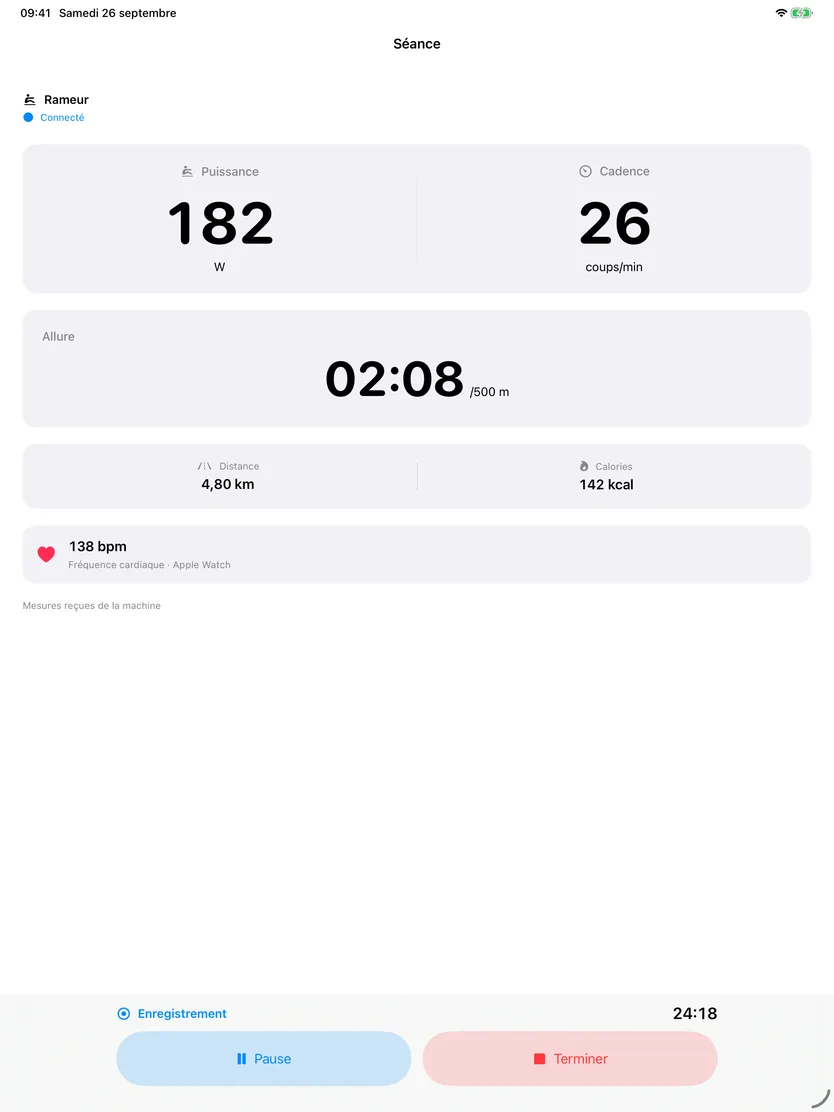
Larger workout metrics
Larger counters to read during your workout, with iPad placed in front of you.
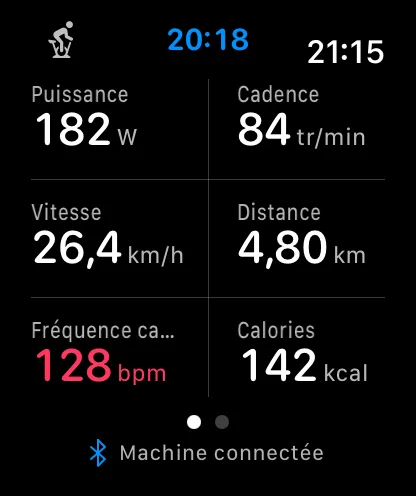
On your wrist
All six metrics fit on one screen. Apple Watch measures your heart rate and saves the workout to Health and Fitness. Starting a workout on iPhone starts the watch too.
Kinoment 1.1 screens with demo data, shown in French. The app is also available in English and Spanish.
Your workout saved in Fitness
Workouts recorded with Kinoment appear in Fitness, with or without Apple Watch. Allow the app to save your workouts to Health.
Workout storage
Your workouts are saved to Apple Health and stay available in Fitness, with no Kinoment account to create.
Ten workouts included
Live metrics from your machine are free, with no limit. Your first ten workouts are also added to Health and Fitness. After that, you keep following your metrics; only new workouts are no longer added to Fitness.
Kinoment Full is a €6.99 one-time purchase in France: every workout is added to Health and Fitness with no limit, plus complete history and CSV export. No subscription.
Compatible machines
We will expand compatibility based on your requests, for bikes, treadmills, rowers and elliptical trainers.
Tested on the machine — September 2026
Basic-Fit Smart Bike
Bluetooth name: JFICycle. Metrics received during testing:
Power · cadence · speed · distance · calories
Machine not working?
Tell us its model. Your requests will guide upcoming fixes and support for more machines.
Submit my machineFrequently asked questions
Where can I download Kinoment?
Kinoment is available for free on the App Store.
Can I use Kinoment without an Apple Watch?
Yes. An iPhone or iPad is enough to see metrics from a compatible machine. Apple Watch is optional and can provide your heart rate. You can save your workouts to Fitness with or without a watch.
Can I choose my heart rate source?
Yes. You can use Apple Watch or your machine, if it sends heart rate data. You can choose between them when both sources are available. For calories, Settings let you choose Apple Watch or the machine.
Will my workouts be saved in Apple Fitness?
Yes. Workouts recorded with Kinoment appear in the Fitness app, with or without Apple Watch. You need to allow Kinoment to save your workouts to Health.
What happens if my workout is interrupted?
Kinoment keeps the workout on your device. You can resume it where it stopped, on iPhone or Apple Watch, and the app reconnects to your machine on its own. You can also add it to Health later, pauses included, without creating a duplicate.
Do I need an iPhone to see Watch heart rate on iPad?
Yes. iPhone receives heart rate from Apple Watch and sends it locally to your chosen iPad. The connection between the devices must be set up before the workout.
Does the app adjust the machine’s resistance?
No. You adjust resistance on the machine itself. Kinoment reads its metrics; resistance control is not planned for now.